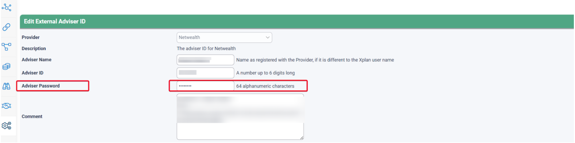
Netwealth Datafeed Security Update
Netwealth Datafeeds - Action Required by 31 January 2026
Whats Changing:
Netwealth and Iress have introduced a Security Enhancement that affects credentials validation in Xplan.
Although Adviser Mappings may display "Invalid Credentials", datafeeds will continue to flow until 31st January 2026.
What you Need to do:
Before 31st January 2026, Advisers must:
- Obtain a Security Token
- Update the External Adviser Mapping in Xplan
Why this matters:
From 1st February 2026, Netwealth datafeeds will stop unless credentials are updated.
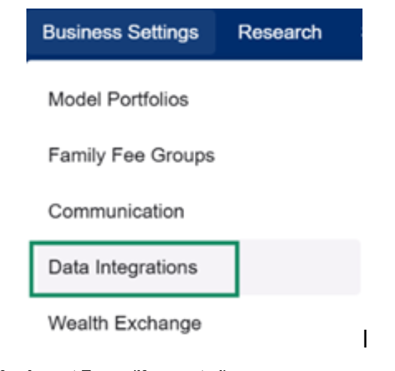
Navigate into the Netwealth Adviser Portal, then select 'Business Settings -> Data Integrations' from the drop down menu:
Accept Terms (If prompted)
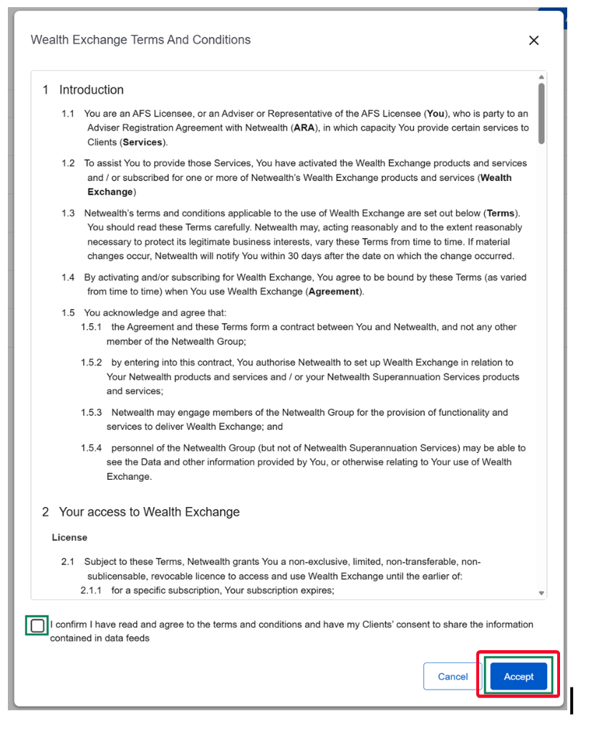
Click Reconfirm and accept Terms and Conditions.

Tick the declaration box for Wealth Exchange and Xplan Terms and Conditions, then click Accept:
Click on Xplan and the right-hand panel will open. Select the desired Adviser ID if you have access to multiple.
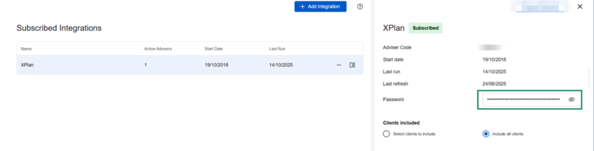
Click the eye icon to reveal the token and copy it:

Navigate back into Xplan to your existing Netwealth Adviser Mapping, then paste the token into the adviser password field: