How do I change my default Needs Analysis Mode?
Step 1: Navigate to Risk Researcher Settings
Navigate via  > Risk Researcher > Settings
Step 2: Set your default Analysis Mode
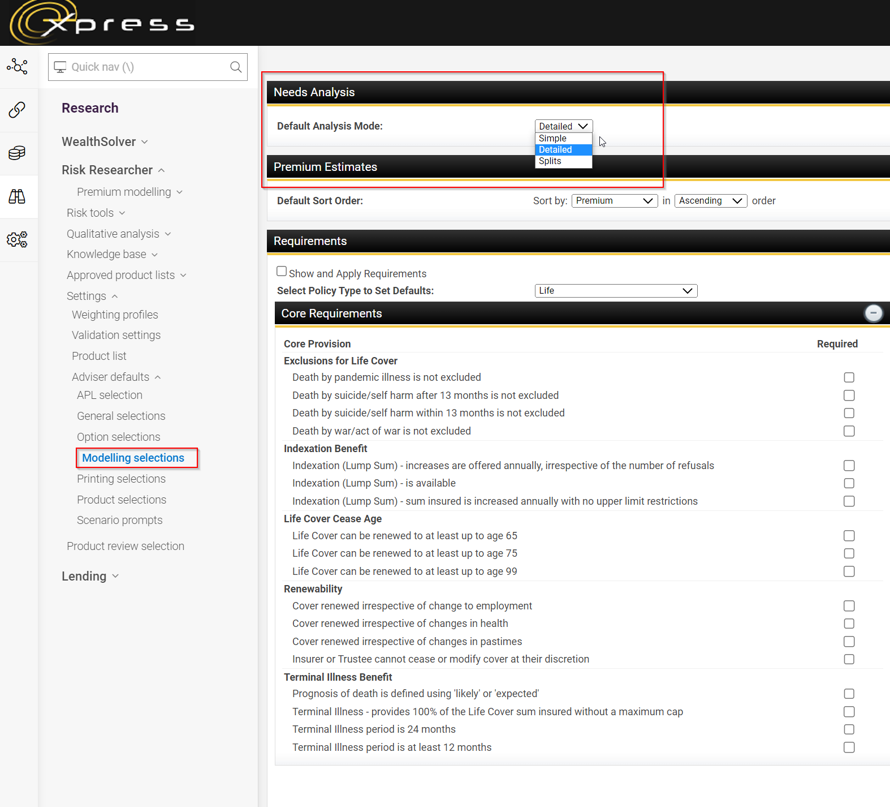
Within the left-hand side menu select Modelling Selections
The very first item listed will be Needs Analysis, where you can set your Default Analysis Mode.